Clips
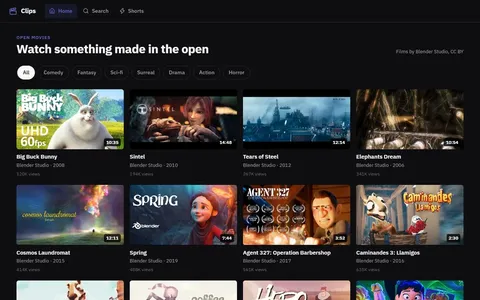
53 linesA video site of Blender open movies. Comments, likes and up-next bind to whichever film is playing.
AppSPHERE by Programmati.ca
AppSPHERE is an in-browser application server. You can define an entire, multi-screen app in a few lines of AppSPEC code. Link state transitions by name and bind components to data. The engine seamlessly builds and runs the graph.
The engine design has run in production at major telecom and financial-services companies.


 AppSPHERE
How to get going
AppSPHERE needs no installation, no build and no server of your own.
Put one script tag for the AppSPHERE engine on any HTML page.
Describe the screens, the data and the wires in a script block of type text/appspec on the same page.
There is no build step and nothing to install. The page also works when opened straight from disk.
Save the file and open it, and the app appears here.
A real nano session, recorded on Linux and played back as text. The app beside it is that exact file, running in the AppSPHERE sandbox. Books you add there are saved in this browser; nothing leaves your device.
Save it as hello.html and open it in any browser. Two screens, a form that saves, filter pills built from the data, a page per book, and likes, ratings and reviews on each book.
<script src="https://programmati.ca/appspec/appspec.js"></script>
<script type="text/appspec">
<APP NAME="Reading list">
  <STATE ID="books" NAV>
    <FORM SAVE="books">
      <FIELD NAME="title" REQUIRED />
      <FIELD NAME="author" />
      <FIELD NAME="genre" OPTIONS="Fiction,Science,History" />
    </FORM>
    <LIST SRC="books" SUBTITLE="author" FILTER="genre" OPEN="book" />
  </STATE>
  <STATE ID="book">
    <DETAIL />
    <REVIEWS />
  </STATE>
</APP>
</script>The page keeps its data in the browser that opens it (IndexedDB); nothing leaves your device.
Add <meta charset="utf-8"> if your app contains non-English text.
Free for personal use. Using it commercially? Talk to us about a licence.
AppSPEC is the ideal target for AI
A language model can write AppSPEC from a plain request. The result is one short, declarative file, so a person can read it and check what the AI produced, even without being a programmer. There is no hidden framework code to audit.
Every screen, every link between screens, the data each component shows and what each button saves are written out by name.
There is no generated code, build output or dependency tree behind the spec. What you read is what runs.
On this site each example runs in an isolated frame with no network access and keeps its data in your browser.
Three example requests, each with the AppSPEC written for it and the app it produces. The specs are shown as written; no request is sent to any server. Anything you add is saved in this browser; nothing leaves your device.
A reading list where I can add books and move them to finished when I am done.
A feedback form that asks for a name and a score from 1 to 5, and shows every response with the average score.
A photo gallery where every photo has its own likes and comments.
Try it live
Edit the spec on the left and the app updates. Open a note to see its likes and comments, which attach to that note without any wiring. Everything runs in your browser. Saved in this browser; nothing leaves your device.
Real apps, real line counts
Every app below is running on this site. Open one to see it live and walk through its spec.
A YouTube-style video site53 lines of AppSPEC
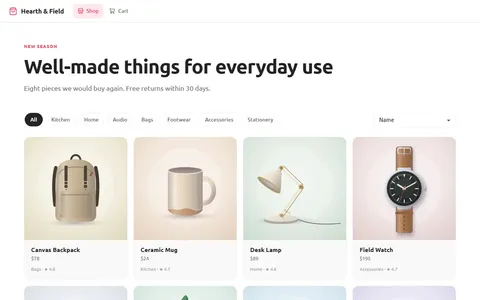 An online store with reviews and a cart77 lines of AppSPEC
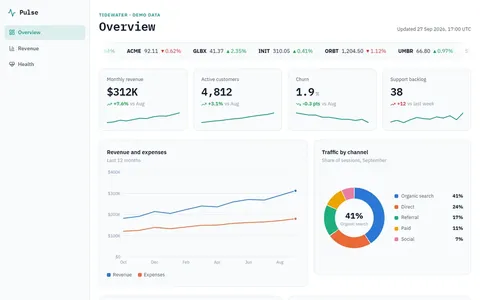 A business dashboard with charts52 lines of AppSPEC
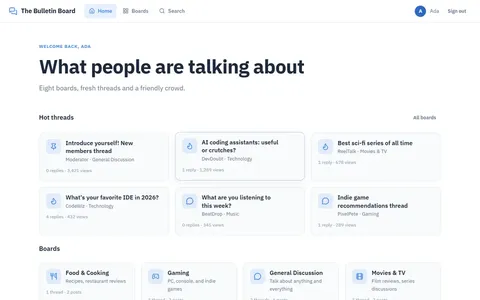 A web bulletin board107 lines of AppSPEC
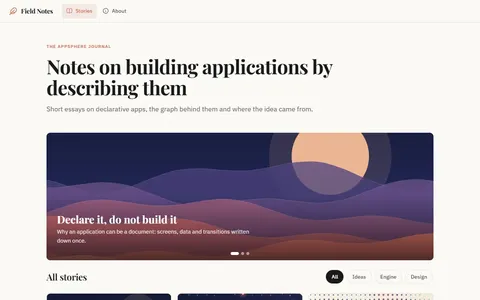 A blog with comments on every story44 lines of AppSPEC
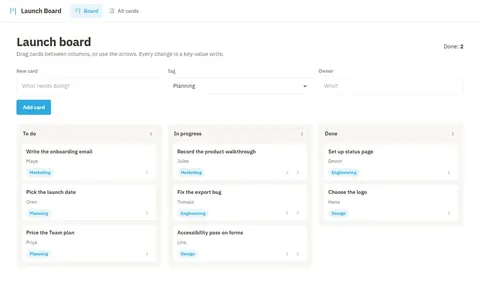 A Trello-style kanban board42 lines of AppSPEC
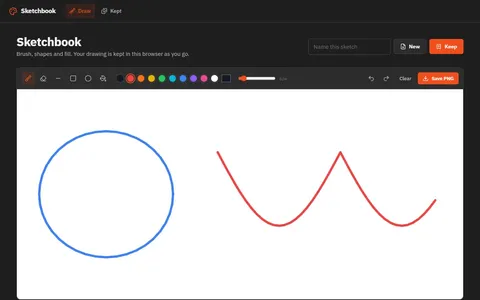 A paint app with shapes and undo43 lines of AppSPEC
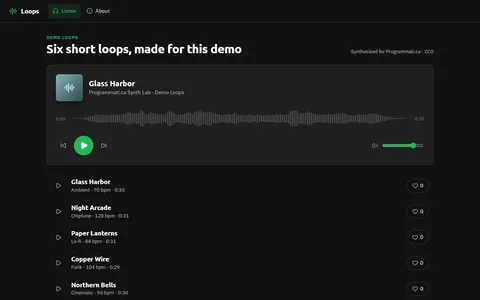 A music player with a waveform35 lines of AppSPEC
Why it is different
Screens, data, navigation and saving live in a single readable document that runs as it is.
A button names the next screen, and a WIRE with that name connects them. There is no routing code to write.
Put one tag on a product, a video or a story and it works for that item, with no integration work.
Choose from 31 themes by changing one word. Every component follows the theme.
The spec runs directly in the browser. There is nothing to compile, bundle or install.
Gallery
A video site of Blender open movies. Comments, likes and up-next bind to whichever film is playing.
Products, a picture viewer bound to the active record, reviews by product and a demo cart.
A kanban board with create, move, edit and delete, all as key-value wires and no code.
A visual IDE with the workflow of Visual Basic: drag components onto the running app, set properties, view the state graph and preview live.